brands · South Africa
Delta PLC Training: WPLSoft, ISPSoft and Course Choice
Delta PLC training in South Africa: compare controller software, check simulator limits and learn how to test elapsed-time logic with a practical example.
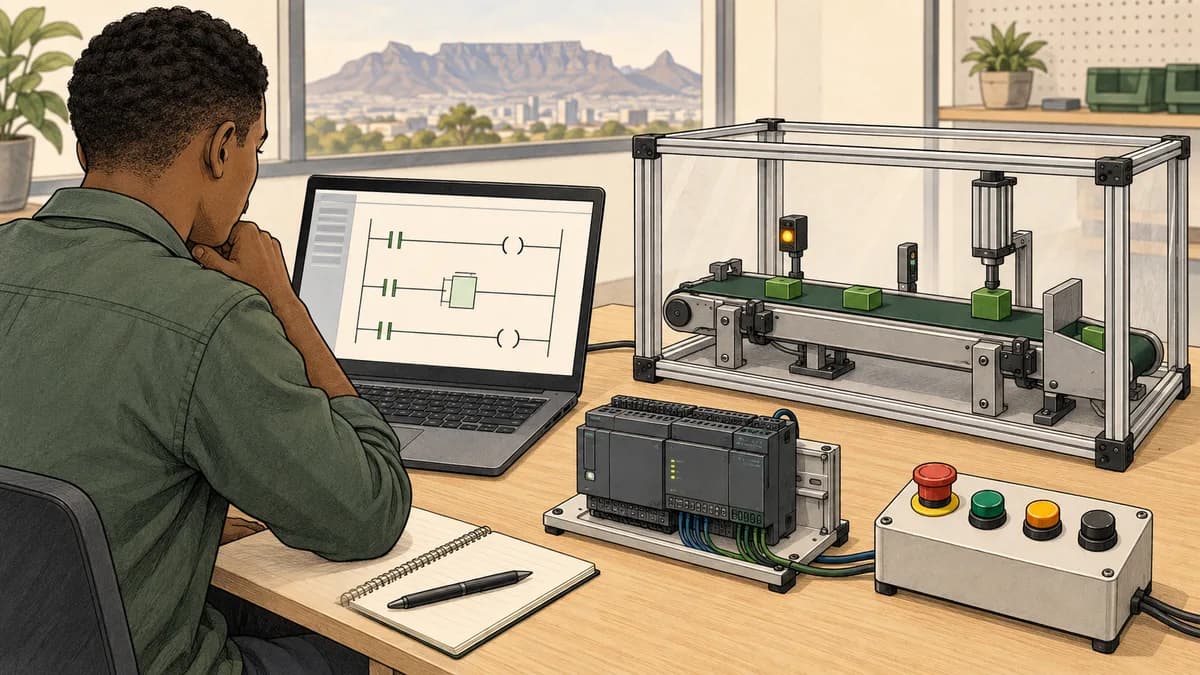
Delta PLC training in South Africa should be chosen from the controller, engineering software and task you need to learn. A DVP maintenance project, an AS application and a larger AH system are not interchangeable training targets. Start with the exact model and a practical objective, then confirm the software and supported functions before paying for a course or buying hardware.
There is also an important software correction: WPLSoft and ISPSoft are not simply two non-overlapping tools for different controller families. Delta's own documentation describes DVP support in both. The right choice therefore depends on the actual project and supported workflow, not a rule that every DVP requires WPLSoft and every other Delta controller requires ISPSoft.
This site is commercially connected to PLC Simulator and is not a Delta-authorised training provider. Its PLC practice curriculum supports educational logic practice. It does not produce a claim of native Delta compatibility or replace vendor software and supervised equipment training.
Identify the controller and the job before the course
Write down the full controller model, project software and version where these are available through authorised records. Include whether you need to read existing logic, develop an application, diagnose communication or work with a particular HMI or drive. Those details determine which course content is relevant.
Delta's current PLC catalogue separates several controller families, including DVP, AS, AH and AX offerings. Use the specific product documentation for I/O, communication, motion, power and software requirements. A family-level description does not establish the capabilities of every CPU and expansion module within it.
| Intended learning task | Information to collect | Evidence to request from the provider |
|---|---|---|
| Maintain a DVP project | Exact CPU, project file and software version | A relevant example with documented device usage |
| Develop an AS application | Controller, firmware and engineering environment | Practical project creation, testing and documentation |
| Work on an AH system | CPU type, configuration and required functions | A syllabus matching the actual architecture |
| Learn a newer AX workflow | Exact controller and supported engineering tools | Current compatibility and training prerequisites |
| Connect an HMI or drive | Both endpoint models and the required interface | A supported communication exercise, not only a PLC demonstration |
Do not infer the local job market or a plant's equipment from a brand's price reputation. A vacancy, asset record or project requirement is better evidence. The same applies to hardware purchases: a controller chosen for one learning task is not automatically the right specification for another machine.
WPLSoft, ISPSoft and newer engineering tools
Delta's WPLSoft and ISPSoft comparison FAQ explicitly discusses both tools in relation to DVP PLCs. It describes ISPSoft's modular programming and function-block capabilities. Use the current manual for detailed compatibility and conversion questions; the FAQ's broad wording does not eliminate model or project-specific checks.
Delta's DVP catalogue software table identifies ISPSoft for AH, AS and DVP programming and lists supported programming representations. That catalogue is dated, so confirm current versions and the selected CPU before assuming every listed language or function is available for your target.
The current PLC catalogue also presents DIADesigner alongside ISPSoft in its software discussion. Ask which environment the course uses and why it matches the intended controller. Do not assume a newer product name means an existing application converts without review or that every older project must immediately migrate.
Obtain software and documentation through Delta's official ISPSoft product and download route. Check installation requirements, supported operating system, version and applicable terms. Avoid relying on an old download mirror or a broad claim that every component, option and future release has the same access conditions.
For a focused introduction, use the ISPSoft ladder-learning guide. For controller questions, use the DVP platform guide. Keep the exact model documentation open when moving from an overview into a native project.

Learn device meanings rather than memorising a letter list
A device name or address is useful only when you know its role, data type and interpretation in the selected project. Inputs, outputs, internal state, data registers, timers and counters have different purposes. Similar-looking names on another manufacturer's controller do not establish equivalent syntax or behaviour.
Ask an instructor to show where each example value is defined and used. Which instruction writes it? Which logic reads it? Does the value represent a command, a model response, an elapsed duration or a count? If it is linked to physical I/O, how is that assignment documented for this exact configuration?
For introductory study, ladder logic basics and the contacts and coils reference help with condition evaluation. Translate a small requirement into words before choosing the native instructions. A contact-style instruction does not, by its shape alone, establish the state of a field device.
Keep time and count units explicit. A register containing 250 might mean milliseconds, pulses, tenths of a unit or another defined quantity. Calling it RunHours does not make it an hours value. That distinction is the focus of the worked example below.
Worked preparation exercise: accumulate a defined active duration
This is a fictional software calculation using supplied test intervals. It does not read a real clock, measure motor operation or implement a Delta timer instruction. The purpose is to distinguish elapsed duration from the number of program evaluations and from a timer's completed condition.
Define a stored integer ActiveMilliseconds, initially zero. Each test row supplies IntervalMilliseconds, a non-negative integer duration, and ActiveDuringInterval, a Boolean. The Boolean describes the entire supplied interval in this simplified model. If activity changes inside an interval, this model does not have enough information to calculate that fraction accurately.
A ResetEvent has priority. When reset is true, set the stored total to zero and do not add that row's interval. Otherwise add the supplied duration only when ActiveDuringInterval is true. An inactive interval leaves the total unchanged.
These choices are the exercise requirements, not universal rules for runtime meters. There is no claim of persistence across a controller restart, unlimited integer range or a particular physical time source. Such requirements would need additional design and tests.
Predict the complete trace
Each row inherits the total from the previous row. The reset row deliberately includes an active interval so the priority rule is visible.
| Step | ActiveDuringInterval | IntervalMilliseconds | ResetEvent | ActiveMilliseconds after update |
|---|---|---|---|---|
| 1 | False | 250 | False | 0 |
| 2 | True | 250 | False | 250 |
| 3 | True | 250 | False | 500 |
| 4 | False | 250 | False | 500 |
| 5 | True | 500 | False | 1,000 |
| 6 | True | 250 | True | 0 |
| 7 | True | 250 | False | 250 |
| 8 | False | 250 | False | 250 |
At step 5, the total is 1,000 milliseconds, which is one second. If the display needs seconds, divide the millisecond total by 1,000 using an appropriate numeric representation. If it needs hours, divide by 3,600,000. Do not change the label while leaving the numeric interpretation untouched.
The 500-millisecond row is important. A faulty program that increments by one per active evaluation would count three active evaluations before reset, not calculate one second of active duration. The evaluation count and elapsed duration answer different questions.
Show why a completed timer bit is not a one-second pulse
An on-delay timer's completed condition and a repeating pulse are different concepts. If a completed condition remains true across several evaluations, adding one on every true evaluation counts those evaluations. It does not automatically add one second per second.
For a native Delta implementation, identify the exact instruction and documented behaviour before choosing a runtime technique. Define the source of elapsed time or events, the reset conditions, numeric range and persistence requirements. The supplied-interval calculation here demonstrates the arithmetic only.
Use the timers and counters guide to study these distinctions. Then ask the provider to give you a case where a completed condition remains true and have you explain each stored update. A single screenshot after the timer finishes will not reveal repeated accumulation errors.
Test invalid and boundary inputs deliberately
The fictional calculation accepts zero duration as a valid interval that adds nothing. It rejects negative, missing or non-integer interval values rather than silently treating them as useful elapsed time. State this validation rule in the test record before implementation.
Repeat the reset case with activity false and true; both should produce zero. Repeat an inactive interval with a nonzero stored total; it should preserve that total. Finally, document how a real implementation would handle the maximum value of its chosen data type instead of assuming the educational integer can grow indefinitely.
Save the initial state, row inputs and expected totals alongside the executed results. A reviewer should be able to reproduce the trace and explain why it represents a supplied-duration model rather than a measurement from a physical controller.
Understand Delta's published simulation limits
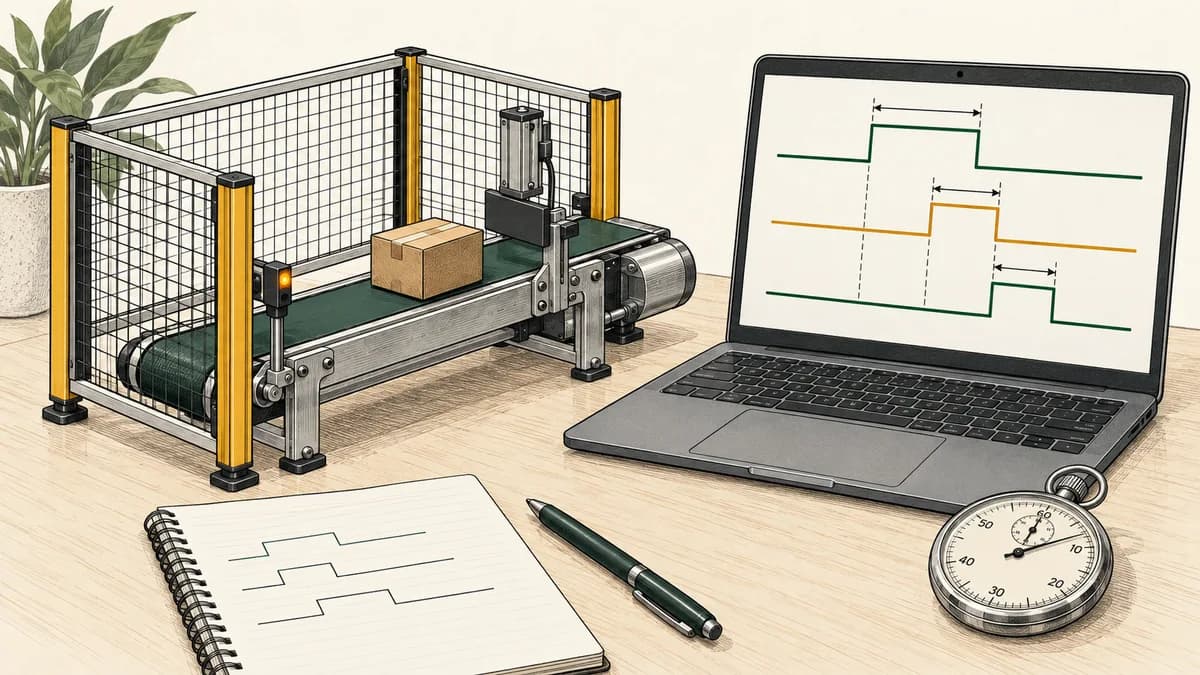
Delta's WPLSoft and ISPSoft simulator FAQ says simulation results are not exactly the same as execution on a PLC. It notes PC-dependent execution timing and lists unsupported instructions in the context it describes, including communication and other specialised functions. Read the applicable current documentation for your target rather than interpreting an introductory simulator as complete hardware emulation.
This matters when choosing a course. If the learning task is basic condition logic, a supported simulator may be suitable. If the task is a particular communication instruction, motion function or physical interface, ask how the provider demonstrates and assesses it. Do not promise a network lab merely because the software has a simulation button.
Record the software version, selected CPU and functions used in every simulation report. If an exercise behaves differently in another environment, reduce it to a small reproducible case and compare the documented assumptions. A faster animation or a successful compile is not evidence that all timing and interfaces match.
The browser PLC simulator guide explains the role of general educational practice. This site's linked product does not claim to reproduce every Delta instruction, model-specific I/O module or communication function. Vendor simulation and supervised hardware work provide additional, separately defined learning opportunities.
Build the project workflow as a practical skill
Learn to create, name, save, close and reopen a project before attempting a complex machine sequence. Retain the supplied example and make a working copy for changes. Identify which version generated each result in your notes.
In a vendor course, ask the instructor to distinguish offline editing, simulation, monitoring a connected controller and transferring a project. These operations have different effects. Practise them in the authorised training environment with the relevant procedure, not by exploring unfamiliar controls on production equipment.
Use scan-cycle concepts to prepare for questions about evaluation order, then confirm the selected controller's task and I/O behaviour. The introductory model is useful, but it should not become a universal timing claim for all Delta products.
For the active-duration example, explain when the stored total is read, when reset is checked and when the next total is written. If two parts of the project write the same value, the resulting order needs review. Keep the example small enough that another learner can trace every change.

Keep PLC, drive and HMI learning scopes distinct
A Delta drive, HMI and PLC may appear in the same machine, but each contributes its own configuration and diagnostic questions. Name both endpoints and the actual interface when requesting training. Do not assume a protocol or communication feature is present across every product carrying the Delta name.
For an educational display, separate a command from feedback and a stored value from a proposed value. For a communication exercise, ask what data is exchanged, how validity is represented and what happens when the expected information is unavailable. These are requirements to assess, not reasons to infer a physical fault from one screen indication.
Compare industrial networking training when communication is the missing capability and variable-speed-drive training when the task concerns drives. Use SCADA training for broader supervisory concepts. Choose a combined course only when it includes the relevant practical work and prerequisites.
The product's motor-control practice preview offers a related educational context. It is not a substitute for learning the actual drive parameters, physical installation and equipment-specific procedures of a Delta system.
Compare South African delivery and access
The location guides for Johannesburg, Pretoria, Durban, Cape Town, Gqeberha and Port Elizabeth and Bloemfontein support regional planning. These pages do not establish that this site operates a local workshop or that any particular intake is available.
Ask a provider for the exact venue, confirmed dates, class format and equipment-sharing arrangement. If you travel from another town or province, include transport, accommodation and time away from work. A short course with a low headline fee may still require substantial additional access and travel expenditure.
For remote study, confirm the software installation, live-session schedule, instructor feedback and method of assessing practical work. Check whether you can reopen and use your project after the course. A recorded presentation and a supervised software exercise are different learning experiences.
Use PLC course prices in South Africa for cost comparison and online PLC training options for delivery questions. This guide does not quote a national Delta course price range because the actual package, dates and inclusions need a current provider quotation.

Choose paid learning from a named gap
Start with a small exercise you can understand and test. Free or introductory resources may reveal whether you need help with logic, project navigation, a particular instruction or documenting results. That information makes a paid course decision more specific.
Review current simulator plans for access to the intended practice material. Do not assume every advertised topic belongs to every tier or use an old rand conversion as the current cost. Vendor software, simulator access and instructor-led training should each have a stated purpose in your budget.
If your employer is sponsoring the work, agree protected study time, assessment evidence and the expected next task. The maintenance-team training guide provides a framework for a bounded evaluation. Completion data alone does not establish workplace authorisation or prove a financial return from training.
For a broader entry route, compare PLC training in South Africa. If you already know another manufacturer's platform, identify the differences you need to learn rather than assuming a change of address prefixes completes the transition.
Keep certificates and experience accurately described
Ask the provider exactly what it issues: attendance evidence, a course completion record, assessed practical results or another credential. Verify any formal-recognition claim with the named body. A course on Delta products does not automatically make the provider authorised by Delta or turn a private certificate into a nationally recognised qualification.
This site does not award a Delta credential or guarantee an employment outcome. Avoid choosing a course from unsupported claims that a particular certificate is accepted everywhere or that one brand always produces a higher salary. Compare the requirements of the actual role and the evidence you can demonstrate.
In a portfolio, describe the active-duration exercise as a fictional calculation or simulator task. Do not call it a commissioned runtime meter on a production machine. Retain the requirements, initial state, tests, observed results and limitations so a reviewer can understand the scope without guessing.
Questions learners ask about Delta PLC training
Can ISPSoft be used for DVP PLC learning?
Delta's documentation describes DVP support in ISPSoft as well as WPLSoft. Confirm the exact model, software version and project features for the course. A broad family-level statement should not replace the compatibility information for the controller and functions you intend to use.
Should I install WPLSoft, ISPSoft or DIADesigner first?
Begin with the project and controller, then obtain the supported environment from official sources. Ask the provider which tool and version its exercises require. Do not install several packages on the assumption that a newer name automatically replaces every earlier workflow.
Can I practise Delta logic without buying hardware?
Supported simulation can help with selected program tests. Its limits matter, particularly for timing, specialised instructions and physical interfaces. Confirm what the exercise actually simulates and arrange appropriate practical training for tasks that require real equipment.
Why is my run-hours value increasing too quickly?
One possible software mistake is incrementing on every evaluation while a timer's completed condition remains true. That counts evaluations, not necessarily seconds. Inspect the actual program and instruction behaviour; the worked example illustrates the distinction but does not diagnose an unseen controller.
Does the browser simulator teach the same addresses as Delta?
Use it for the educational concepts and exercises it actually provides. This guide does not claim native Delta address support, project export or complete instruction equivalence. Learn the model-specific device definitions and syntax in the applicable Delta environment.
What should I ask an AI assistant about a timer example?
Ask it to identify the time source, units, reset priority and behaviour across repeated evaluations. Request a test that distinguishes a duration from an evaluation count. Verify its answer against the requirements, vendor documentation and executed evidence rather than treating generated code as a tested program.
How do I know whether a Delta course is practical enough?
Request an example task you will perform yourself, the equipment or simulator used and the assessment criteria. Ask whether you retain a project and test record. A topic list or demonstration video alone does not show how your own work will be reviewed.

Begin with one complete test
Reproduce the active-duration trace and explain why the stored milliseconds differ from a count of true evaluations. Then identify the Delta controller and software needed for your next learning task.
Use the PLC curriculum overview for introductory practice and request a vendor-specific syllabus for the workflow you still need. Keep the software target, simulation limits and practical evidence explicit throughout the process.