scada · South Africa
SCADA Training South Africa: Courses, PLCs & HMI Skills
Compare SCADA training in South Africa by platform, practical projects, tags, HMI design, alarms and trends, with questions to help choose a good course.
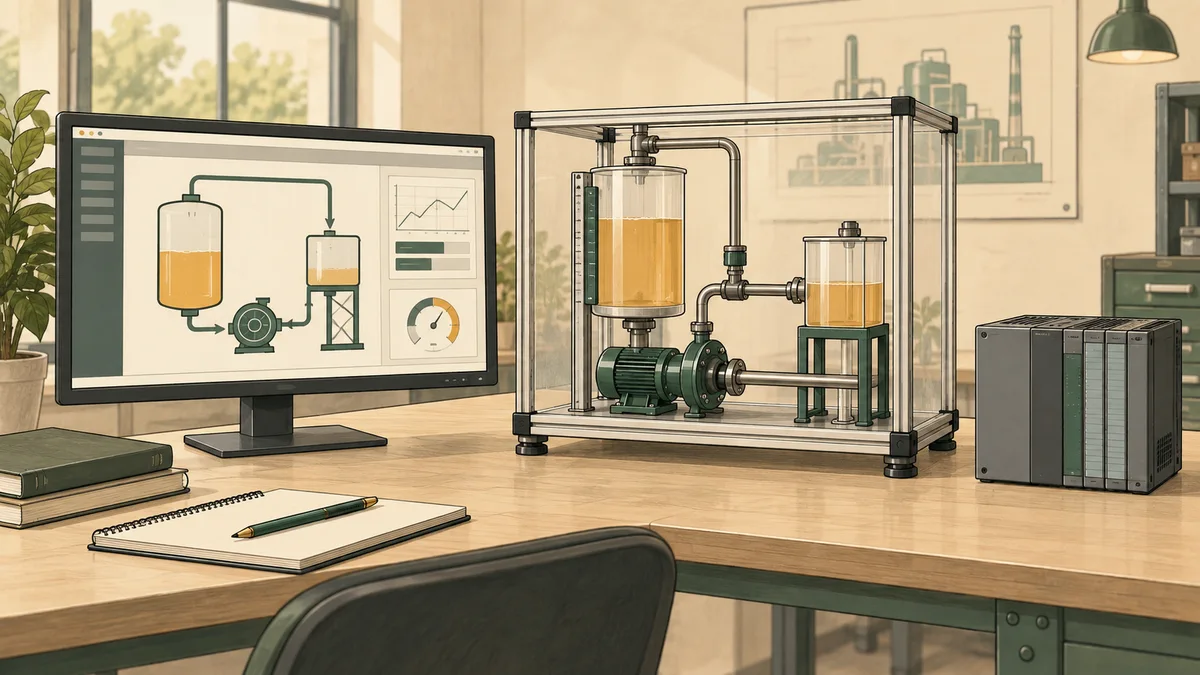
SCADA training in South Africa should teach you to turn process data into useful operator information: tags with known sources, clear screens, meaningful alarms and trustworthy trends. Choose a course by the platform, prerequisites, individual practical work and assessment. For a combined PLC and SCADA course, check that you will build and test the connection between the controller logic and the supervisory application, rather than only watching a screen demonstration.
This guide explains the learning outcomes to look for, a fictional project you can use to compare courses, and the questions that expose gaps in a training offer. The browser HMI simulator offers educational practice with a related interface layer. It is not a replacement for learning the specific production SCADA platform required by your employer.
What is SCADA, and how does it relate to a PLC?
SCADA means supervisory control and data acquisition. It gathers information from a process and presents it for supervision, often with commands, alarms, historical data and reporting. A PLC or another controller may execute the underlying control logic. The responsibilities of each layer must be defined for the particular system; do not assume every installation responds to a communication failure in the same way.
A useful introductory exercise follows one measurement from its source to the screen. Identify the device or simulation, the controller value, the communication mapping, the application tag and the displayed number. Then follow an operator request in the opposite direction. Explain which layer checks the request and which observation establishes that the requested action occurred.
An HMI is a human-machine interface. SCADA applications can include HMIs, but the terms do not describe identical scope in every product. A local machine panel and a supervisory system covering multiple remote assets have different requirements. Use the HMI versus SCADA comparison to organise those distinctions before choosing a course.
Which SCADA course fits your starting point?
Beginners in automation
Start with digital and analogue signals, engineering units, basic logic and the difference between a request and a result. You do not need to master every PLC instruction before looking at a screen. You do need enough understanding to explain where its information comes from and why a displayed state might be misleading.
A beginner course should use small examples with visible signal paths. Ask whether you will configure tags yourself, test changed values and explain a communication interruption. A slide showing a large control room can introduce the subject, but it is not evidence that you can build or diagnose a small application.
Electricians and instrumentation learners
Your practical background can help with interpreting devices and symptoms. The new learning may be software configuration, data types, timestamps and the way operator requests are processed. Ask for exercises that connect familiar physical concepts to the application without assuming familiarity with its menus or project structure.
If your work concerns measurement and continuous processes, combine the supervisory material with instrumentation course selection and process control training. These subjects overlap, but each needs its own practical evidence. Drawing a trend does not establish instrument calibration or controller-tuning competence.
Existing PLC programmers
Focus on the operator's task, data quality, alarm behaviour, history and deployment. A programmer can build working logic while still designing an interface that hides important conditions. Ask for a review of an actual learner screen and an exercise where another person must use it to understand an abnormal situation.
For a platform change, compare supported data structures, binding methods and scripting behaviour explicitly. Familiar concepts may transfer while implementation details differ. Keep a short record of those differences rather than assuming that only the menu names have changed.

A course comparison checklist for South African buyers
Course titles such as “PLC and SCADA”, “HMI programming” and “industrial automation” can describe very different timetables. Request the detailed syllabus and a representative assessment. Compare the same outcomes across providers in Gauteng, KwaZulu-Natal, the Western Cape and online delivery instead of treating location as a measure of course quality.
| Decision | Question to ask | Useful evidence |
|---|---|---|
| Platform | Which product, edition and version will I use? | Software requirements and a sample project |
| Prerequisites | What must I already know about PLCs and networks? | A short entry task or stated prerequisite syllabus |
| Practice | How much work does each learner perform independently? | Individual exercise timetable |
| Integration | Will I configure a data connection or use supplied values? | Tag mapping and connection test |
| Abnormal operation | Will we test bad quality, stale data and interrupted access? | A changed-condition assessment |
| Access afterwards | Which software and exercises remain available? | Written access and licence terms |
| Recognition | Who issues the certificate and what does it represent? | Current certificate sample and verifiable claims |
Ask for the current course fee, VAT treatment and included resources. Separate tuition from travel, accommodation, software, hardware and follow-up access. A short vendor module and a general online introduction do not purchase the same teaching outcome. The PLC course price guide helps structure a combined-course comparison; confirm the actual SCADA quotation directly.
Trace the architecture before configuring screens
Draw a simple architecture for the training project. Include the source of process values, the controller or simulator, the communication service, the supervisory application and the operator client. If history is stored separately, show that too. Label the data crossing each boundary and identify who owns its meaning.
This drawing should answer practical questions. Where is a pressure value scaled? Which component attaches its timestamp? Where is an operator request accepted or rejected? What happens to a screen when the source becomes unavailable? If the learner cannot locate these responsibilities, troubleshooting can turn into random changes across several layers.
There is no requirement that every system use an OPC gateway or a particular network protocol. A course should explain the architecture it actually teaches. Use the industrial networking training guide for related prerequisites and the OPC UA versus OPC Classic comparison when selecting a communication learning path.
Tags need meaning, units, quality and time
A tag name is a useful label, but it is not a complete data definition. Record the source, data type, engineering units, expected range, update behaviour and whether writing is permitted. Distinguish a command from a status value even if both are represented as Boolean data. A successful write request is not independent proof that equipment moved.
Quality and time matter alongside the number. The OPC Foundation's DataValue definition describes a value with status and timestamp information. In a learning project, investigate what the application shows when the source is unavailable or the latest value is old. A plausible number without context can be more misleading than a clearly marked missing value.
For example, a simulated tank level of 62% may be valid at one moment and unsuitable for a later decision if updates stop. Define how the training screen communicates that condition. Do not substitute zero unless zero genuinely represents the intended meaning; an unavailable measurement and an empty tank are different situations.
The HMI tag-binding guide develops the connection between source values and interface elements. Test binding with several deliberate values and a quality change, not merely with the first plausible number that appears.
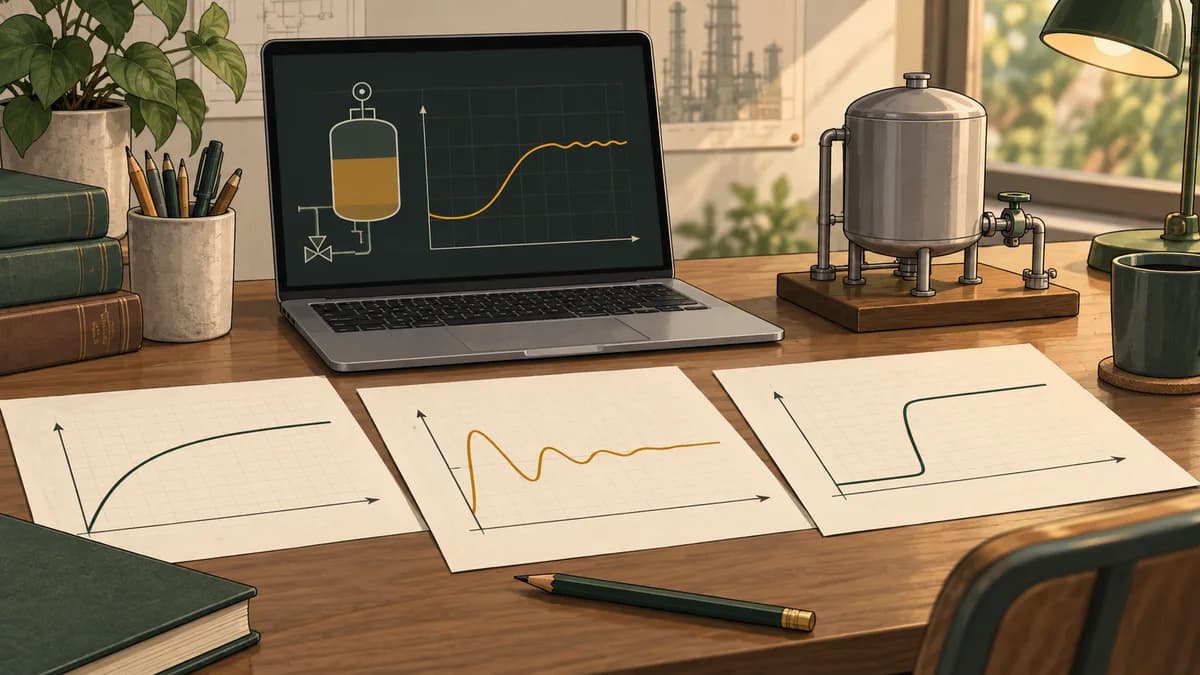
Design screens around operator questions
Start by writing the questions a user must answer. For a small pumping example: is the process available, is a request active, is the pump reported running, is the level changing as expected, and is any condition preventing the intended operation? Then decide which information belongs together on the screen.
Use a clear hierarchy of overview and detail appropriate to the application. Keep repeated equipment controls consistent. Label values with units and make the distinction between editable settings and measured values visible. Avoid adding animation that competes with information the user needs to interpret.
Colour can support meaning, but it should not carry the meaning alone. Combine it with labels, symbols or other clear state changes. Test the screen at the expected display size and ask someone unfamiliar with your design to explain an abnormal condition. Their hesitation may reveal ambiguity that the designer no longer notices.
For a course exercise, provide the user with a task rather than instructions describing every click. Ask them to determine why a simulated request was not accepted and to identify the evidence on the screen. Record where they looked and what they misunderstood. This tests the design's usefulness as well as the learner's ability to draw components.
Alarm training should cover the response, not just the banner
An alarm exercise should identify the condition, its consequence, the expected operator response and the basis for its priority. Ask what distinguishes the alarm from an ordinary status message. The ISA-18 standards overview describes lifecycle management of alarm systems; a classroom should connect configuration to that broader discipline.
Avoid assigning priorities simply because a condition sounds serious. In a fictional project, write down why the operator needs to respond and what time context the exercise assumes. Treat any example thresholds as learning values, not recommended settings for a real plant.
Test alarm state changes. When does the condition become active? What does acknowledgement change? What happens when the underlying condition returns to normal? The answers depend on the configured alarm model. Acknowledging an alarm should not be confused with correcting the process condition that caused it.
A course can also introduce nuisance-alarm investigation using a supplied event log. Count repeated events, inspect their context and propose questions for review. Do not conclude that frequently occurring alarms should simply be deleted. The alarm priority design guide provides a related study path, while the PLC alarm-management learning guide is a product destination to evaluate for supported practice.
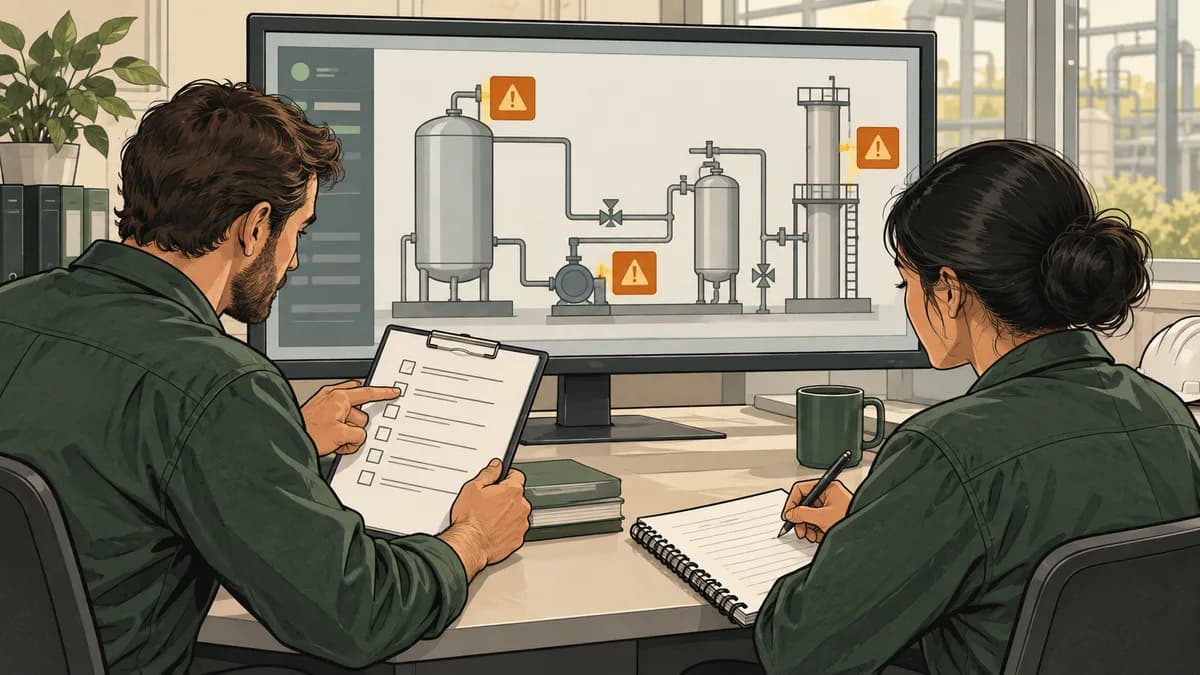
Trends and history: preserve the evidence you need
A historical trend depends on more than the screen's refresh rate. The source update, recording configuration, stored quality and query method can all affect the result. Ask a provider to show how a known sequence of training values becomes a stored record and then a plotted line.
Inductive Automation's Ignition historian documentation describes historical records containing value, quality and timestamp information. Use the documentation for the platform and version being taught. Products differ in storage, query and aggregation behaviour; a single general description does not establish all of their capabilities.
Consider a fictional sequence recorded at four known times: level 40%, 45%, 55% and 50%. Before drawing a smooth line, ask what is known between the samples. Interpolation creates a representation; it does not create a new measurement. A peak between recorded samples may remain unknown.
Choose sample and retention settings according to the exercise's objective. A slow overview trend and a short transient investigation may need different evidence. There is no universal sample rate or retention period appropriate to every process. Record the chosen settings and their limits, then demonstrate a case that would be missed under a different choice.
For control-loop interpretation, the PID learning experiment includes explicitly simulated comparisons. Use such traces to practise describing rise, error and settling without presenting them as observations from a production plant.
A fictional project to compare PLC and SCADA courses
Use a small simulated water-storage process with a tank-level value, a pump request and separate pump-status feedback. The objective is to display the process clearly, communicate invalid data and retain a short trend. This is a learning brief, not a design for operating a real water installation.
Define the tag list before building the screen. State that the level is a percentage under the model, identify which values are read-only and describe the request workflow. Specify that loss of valid level data must be visible. Agree what the exercise means by request accepted, running feedback and request rejected.
Then create an overview with the level, data-quality indication, pump request and reported state. Add a detail view only if it helps the user answer a specific question. Configure an illustrative alarm using the stated learning threshold and response. Retain a short sequence of known values for a history check.
| Test | Deliberate change | What the learner should explain |
|---|---|---|
| Normal display | Apply a known valid level | Source, units and correct screen value |
| Request accepted | Make a permitted simulated request | Request, acceptance and separate status evidence |
| Request rejected | Remove the stated permission condition | Why the request did not establish running |
| Invalid measurement | Mark the simulated level unavailable | Visible quality state without inventing a valid zero |
| Alarm cycle | Cross and restore the learning threshold | Active, acknowledgement and return behaviour |
| History check | Replay a known sequence | Which values and times were stored and displayed |
Keep the baseline and each changed condition reproducible. A second person should be able to run the same cases from your notes. If the course uses a different process, retain the same questions about source, quality, request and evidence. This makes the comparison useful without demanding identical software interfaces.

Troubleshoot by finding the first disagreement
When a screen value is wrong, begin with the expected value and its source. Compare the observation at successive boundaries in the training architecture. If the source is correct but the mapped tag differs, investigate the mapping before redesigning the display. If the tag is correct but the display is wrong, inspect its binding and formatting.
When a request appears to do nothing, distinguish whether the application sent it, the receiving logic accepted it and the simulated process reported the intended state. These are separate observations. Record the first disagreement and use one controlled test to distinguish plausible explanations.
Communication recovery also deserves a test. Restore the learning connection and observe whether the application clearly resumes valid updates. Check what happened to requests made during the interruption under the model's stated rules. Do not assume that reconnection proves every pending operation was handled correctly.
The communication troubleshooting guide provides a related diagnostic workflow. Use isolated learning systems for exercises; investigate production systems only within the site's authorised procedures and responsibilities.
Choose a platform and verify access before enrolling
A course might teach WinCC, FactoryTalk, Ignition, AVEVA software or another platform. Ask for the exact product and edition rather than relying on the vendor name. Verify that the course version fits your learning target and that your computer meets the current requirements.
For self-directed study, obtain software only through the provider's legitimate distribution route and read the current licence conditions. Trial duration, permitted use and included modules can change. Do not build a study timetable around an old claim that every required component has a particular free trial.
Browser PLC and HMI practice can help you prepare questions and understand basic relationships. A vendor course can then address the engineering workflow and supported implementation details you actually need. The PLC simulator guide helps separate these learning roles, and the PLC training overview covers the controller-side course decision.
Questions learners ask about SCADA training
What does SCADA certification demonstrate?
Ask who issues the award, what assessment it records and whether it relates to a named software platform or a wider programme. A completion certificate and an independently assessed qualification can have different purposes. Request the exact award title and a sample practical assessment before paying. Keep a project record showing tag quality, alarm behaviour and trend interpretation so a reviewer can see what you demonstrated beyond the certificate wording.
Can I learn SCADA online in South Africa?
Online learning can cover configuration, interface design and supported simulation exercises. Check individual access, feedback and assessment. If the outcome requires physical equipment or a particular workplace procedure, arrange the appropriate supervised practical component rather than assuming online completion establishes it.
Do I need PLC knowledge before taking a SCADA course?
You need enough knowledge for the course's target role. An operator introduction differs from an engineering course. For configuration and diagnosis, understanding signals, requests, state and data sources is valuable. Use the provider's prerequisites and a short entry task to identify gaps.
Is PLC and SCADA training one qualification?
A combined course title does not by itself establish a qualification. Ask who issues the award, what is assessed and how any recognition claim can be verified. Distinguish software course completion from the requirements of a formal programme or a specific employer.
How much does a SCADA course cost in Johannesburg or Durban?
Request a current quotation for the named course, date and delivery format. Compare included software, practical work, assessment and continued access alongside the fee. Published examples from a different platform or year are not a reliable quotation for your intended course.
What project should I put in a beginner SCADA portfolio?
Use a small project with a documented tag list, clear screen, quality handling, an alarm cycle and a history check. Include changed-condition tests and explain the environment used. A complete, reviewable example is more useful than a large collection of unexplained screenshots.

Build one complete learning example
Choose a small process and follow one value through every layer. Add a request, separate feedback, an abnormal condition and a short history. Ask another learner to explain the result from your screen and test notes. Use the disagreements to refine your understanding and identify the course content you still need.
Begin related practice with the educational HMI simulator, then use the exact platform required by your course or employer for its implementation-specific work. Keep the distinction visible in your portfolio and course expectations.