plc-simulator · South Africa
PLC Simulator Guide: Practical Learning in South Africa
Choose a PLC simulator for South African training by supported logic, exercises, feedback and vendor scope, then practise with a test plan in a browser.
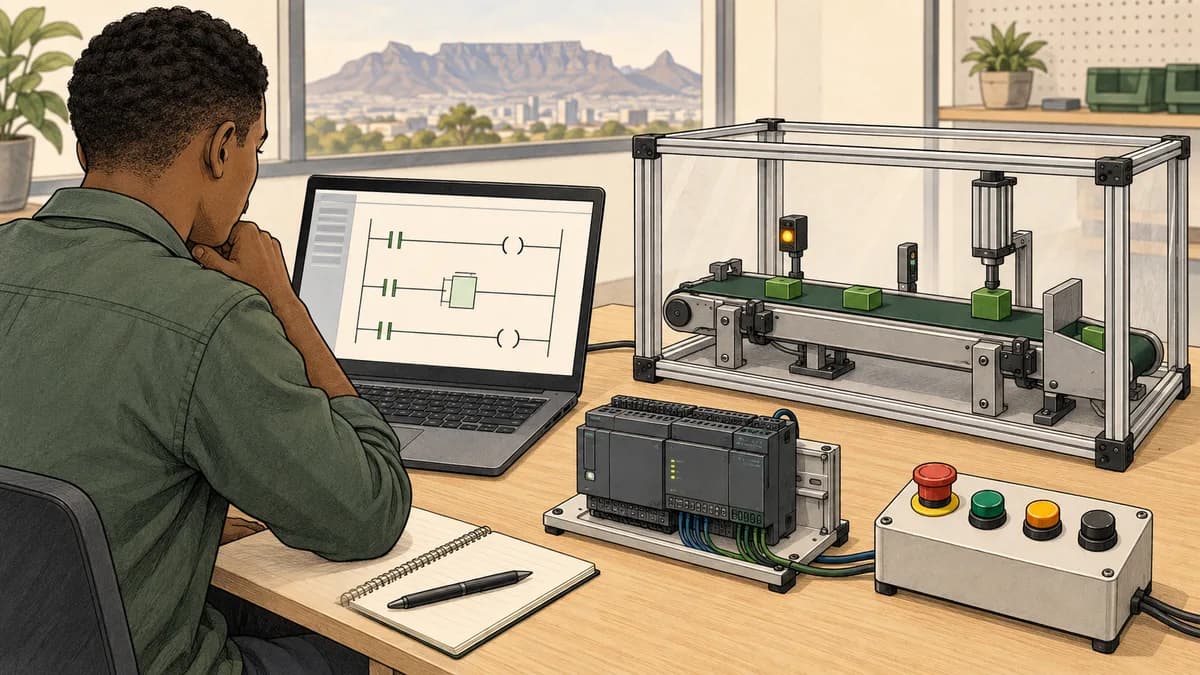
A PLC simulator lets you practise controller logic in software and observe how a represented process responds. Choose one by the task you want to learn: basic ladder logic, a specific vendor workflow, process behaviour, wiring concepts or assessed exercises. The word simulator covers several kinds of tool, so compare actual capabilities rather than assuming every product can run the same project.
For an immediate starting point, open the beginner PLC browser demo. This guide explains what educational simulation can help you learn, how it differs from vendor-specific tools and how to turn practice into evidence you can explain.
Choose the right kind of PLC simulation software
| Tool or learning format | Useful for | Check before choosing |
|---|---|---|
| Educational ladder-logic simulator | Learning conditions, outputs and small sequences | Supported instructions, execution model and feedback |
| Vendor-specific simulation or emulation | Testing supported projects in a particular engineering environment | Controller family, software version, licences and limitations |
| Process model connected to control logic | Observing how a represented machine or process responds | Model assumptions, I/O mapping and supported interactions |
| Wiring or measurement learning model | Understanding selected connections and diagnostic choices | Whether the exercise is conceptual and what it cannot reproduce |
| Structured course with simulation | Following a sequence of exercises and assessments | Curriculum, access, grading and instructor support |
| Physical training kit | Supervised work with real interfaces and equipment | Total equipment cost, safe training arrangement and software access |
The training-kit versus simulator comparison explores the last choice in more detail. Many learners use more than one format. The useful question is which tool addresses the next gap in your understanding and what evidence it lets you produce.
Simulator, emulator and digital process model
Product names do not provide a complete technical definition. Some tools reproduce selected controller behaviour for education. Others support projects for named controller families and engineering environments. A process model may represent a conveyor, tank or other system connected to the simulated logic. Read the documented scope of each tool.
An educational syntax mode can help you practise familiar instruction names without being a licensed copy of vendor software or an implementation of its firmware. That distinction matters when you want to open an existing project, use a particular instruction or follow a commissioning workflow.
For example, Siemens describes S7-PLCSIM Advanced as simulation for supported SIMATIC controllers, while Rockwell describes FactoryTalk Logix Echo as controller emulation within its product family. Check their current compatibility and requirements for the exact project you intend to use. Those capabilities should not be inferred for an unrelated browser trainer.
A visually detailed process model is also not automatically a validated digital twin of a real installation. Ask which physical relationships are represented, where the assumptions are documented and what the intended use is. An attractive animation can support learning while still omitting many real-world effects.
What you can learn without owning a PLC
Software practice is particularly useful for making your reasoning visible. You can predict a condition, run the model and compare the result. You can repeat a small exercise without arranging access to a shared training station. The value comes from what you do with that access, not simply from having the simulator open.
Begin with Boolean conditions, output requests, memory, timers and counters. Then combine them into a short sequence with clearly named states. Include an abnormal case, such as an expected simulated sensor that does not arrive, and explain how the program responds.
You can also practise documentation. Write a signal list, state the meaning of true and false, record initial conditions and create a test table. These habits transfer to further learning even when the next platform uses different names or project organisation.
Physical skills require additional practice. A software model does not reproduce the feel of a terminal, every electrical fault, all network behaviour or a real commissioning environment. Choose supervised practical training when those are the skills you need. There is no universal number of simulator hours after which every learner is ready for every hardware task.

What to inspect in the product before subscribing
Start with the simulator curriculum overview. Compare the learning sequence with your experience. A list of lessons is useful only if you understand the practical tasks, prerequisites and feedback that accompany them.
Then inspect the supported learning dialects. Check the educational scope and the instructions relevant to your exercise. Do not assume that a familiar brand label means you can import and execute every native vendor project unchanged.
For process practice, browse the public scenario catalogue. Scenario previews help you compare objectives before committing. Access to a preview does not imply that every scenario or assessment is included in the free tier.
For related skills, the product has public destinations for wiring lessons and sensor learning. Review the current lesson and plan requirements. These subjects complement controller logic, but a conceptual exercise should not be presented as physical installation experience.
Finally, read the current pricing and included features. Distinguish core lessons, syntax lessons, scenarios and other modules instead of treating every count as the same type of learning unit. Check billing period and access conditions directly before paying.
Your first exercise: a clearly defined start-stop model
Use an educational model with named inputs and an output request. Define StartPressed as a momentary request, StopPermitted as a condition that allows the normal control request, and RunRequest as the remembered output state. These names describe the model’s data. They are not a wiring specification or a safety-system design.
The intended behaviour is simple: a start request can establish RunRequest while the required conditions permit it; releasing Start does not immediately remove the remembered request; removing the normal stop permission removes the request. Write that requirement before choosing instructions.
In a familiar seal-in pattern, the start condition and the remembered run state provide alternative ways to maintain the request, while a required permission remains in series with them. The exact expression and instruction behaviour depend on the selected simulator and platform. Read the exercise’s stated semantics rather than assuming all runtimes behave identically.
The start-stop seal-in exercise provides a focused local guide. You can also open the motor-control browser demo to observe the represented sequence. Keep normal control logic separate from emergency stopping and other safety-related functions.
Test more than the normal start
Create a small table before running the exercise. Include initial stopped state, a permitted start, release of Start, removal of stop permission and a fresh attempt to start after returning to the baseline. State the expected RunRequest for each case.
If a case fails, record the actual input and internal states before editing. A wrong variable mapping and a wrong logical condition are different explanations. Change one thing and repeat the same case. Then test a neighbouring case to make sure the correction did not introduce another error.

Understand scan behaviour without inventing a timing guarantee
A simplified scan model helps learners reason about input sampling, program execution and output updates. Real controllers have platform-specific tasks, scheduling, I/O behaviour and communication mechanisms. A teaching animation may slow or expose selected steps so you can observe them.
Do not treat the visual speed as a measured scan time for real hardware. Likewise, do not assume every internal variable is only visible on the next scan. The relevant behaviour depends on the runtime and where the value is read and written. The scan-cycle explanation should be read alongside the selected tool’s documentation.
A useful exercise writes and reads a state in a controlled sequence and asks you to predict the result. Explain the order and initial value used by that model. This develops reasoning more effectively than memorising a universal millisecond figure or assuming all apparent races produce the same symptom.
If the product’s scan-cycle highlighting feature fits your exercise, use it to inspect the represented evaluation. The visual aid supports an explanation; it does not replace the runtime definition.
Progress from individual instructions to complete tasks
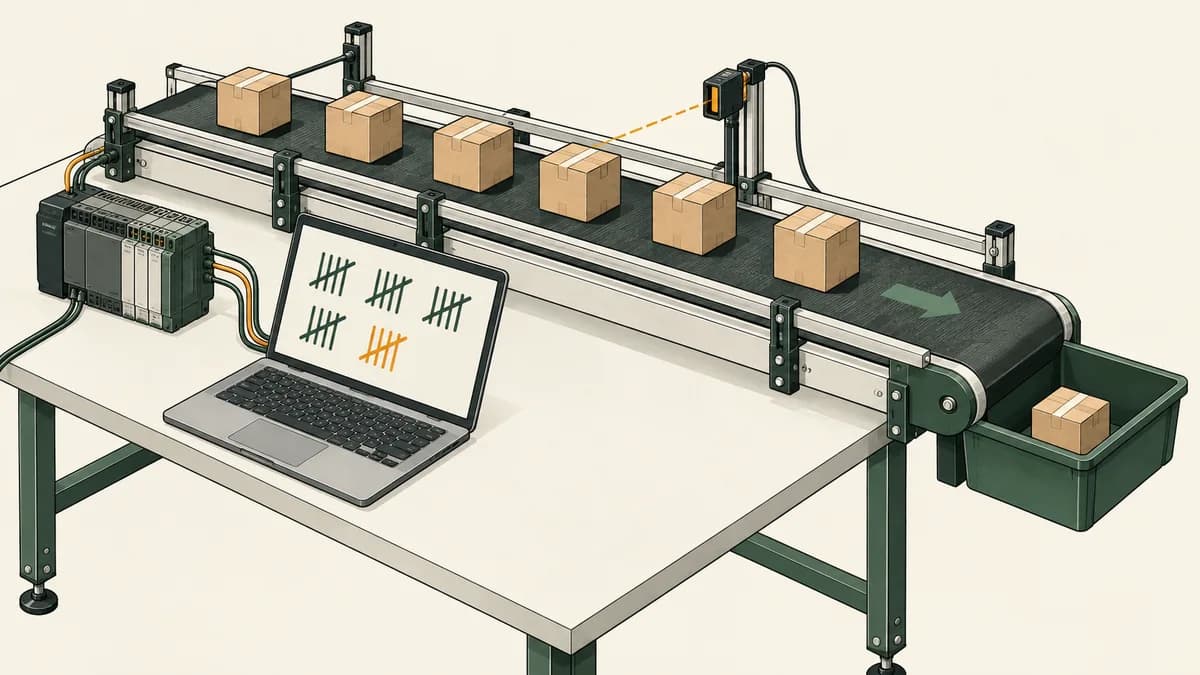
After the first control request, choose a task that introduces one additional concept. A flashing beacon can introduce timing. A box-counting model can introduce transitions and reset behaviour. A traffic-light sequence can introduce states and ordered transitions. Keep each project small enough to test completely.
Useful local starting points include:
- Flashing beacon with a timer: explain the timing conditions and repeated cycle.
- On-delay motor staging: separate the initial request from delayed actions.
- Bottle-counting exercise: distinguish an event from a sustained sensor state.
- Parking-garage counter: record increment, decrement and boundary assumptions.
- Traffic-light sequence: name states and explain transition order.
- Pump alternation: define which state persists and when duties change.
- Tank-level control: connect process conditions with output decisions.
- Batch-mixer recipe: separate recipe values, sequence state and operator requests.
These guides are learning specifications, not proof that every named task is available under every simulator plan. Match a guide to a supported product scenario or create an exercise within the tool’s documented capabilities. If a behaviour is outside scope, record that limitation instead of claiming it has been tested.
Use faults to learn diagnosis, not just recovery
A fault exercise is valuable when it forces you to explain the difference between expected and observed behaviour. Begin with a known working model, introduce one stated abnormal condition and record the result. The learning objective should be clear: wrong mapping, missing event, incorrect timer reset or another defined problem.
Avoid using an override simply to make the animation continue. In a simulator, changing an input can be a legitimate way to create a test case. It should still be recorded as a test input rather than mistaken for a diagnosis. On real equipment, overrides and forces require the applicable authorised procedures and understanding of their consequences.
The PLC troubleshooting guide explains a structured investigation. For measurement and communication questions, the product also offers separate instrumentation and Modbus learning labs. Their scope differs from a ladder-logic scenario, so choose the lab that answers the actual question.
Browser practice versus a desktop engineering tool
Browser access can reduce setup work for introductory learning and make repeated practice convenient across suitable devices. Check the product’s current browser and account requirements, and try the actual interface on the computer you intend to use. A small phone screen can be useful for reading, while extended programming may be more comfortable on a larger display.
A desktop vendor tool can be the right choice when you need its project structure, supported controller model and engineering workflow. Installation and licensing are part of the comparison, but they do not make the tool inherently unsuitable for beginners. An instructor-led course may provide a well-supported introduction to that environment.
For South African learners, include internet access, study schedule, available hardware and the requirements of a prospective course or employer. Avoid selecting a brand solely because a website claims it dominates your province. Ask which equipment and software are actually relevant to your intended task.
The online PLC simulator guide focuses on browser use, while online versus classroom training compares learning formats. Use both to plan access and feedback, not to search for a single format that must suit every learner.

Build a portfolio that explains your work
Keep the process description, input/output list, program version and test cases with each project. Include a short explanation of an error you corrected and the evidence that supported the correction. State the simulator or vendor environment used and any features that were not modelled.
A screenshot can illustrate the program, but it cannot replace the test record. A reviewer needs to know the initial conditions, inputs and expected outcomes. If you began from a supplied solution, identify it and explain your own changes rather than presenting the entire project as original work.
Choose a small number of distinct projects. A control-request exercise, a timed sequence and a counted process show different ideas. Repeating the same pattern with renamed tags adds less evidence than extending one project with a well-explained abnormal case.
The product may offer saved progress or portfolio-related features under particular access conditions. Verify those on the current product pages. Do not promise a fixed PDF length, employment outcome or recognised qualification unless the actual offering and evidence support that claim.
Training centres and employer teams
For a group, compare how learners access exercises, how instructors review work and what evidence can be retained. A shared demonstration and an individual assessment serve different purposes. Ask each learner to explain at least one result independently.
Training centres can review the simulator’s training-centre offering and use the curriculum mapping resource to compare exercises with their own syllabus. A planning map does not automatically establish accreditation or credit transfer.
Employer teams should choose exercises from their learning objectives. A maintenance group may need diagnosis, while a new programmer may need sequence design. Simulation can support preparation and repeated practice alongside supervised platform-specific work; it should not be used to infer competence beyond the assessed scope.

Questions people ask when choosing a PLC simulator
Is a free PLC simulator enough to start learning?
It can be, if it supports a clear first exercise and lets you observe the result. Check the current free-access boundaries, instruction set and feedback. You can assess the learning format before deciding whether a paid course or wider scenario library addresses your next need.
Can I learn Siemens or Allen-Bradley programming in a browser?
You can practise supported concepts and educational syntax where the product provides them. That is different from learning every workflow in TIA Portal or Studio 5000, opening native projects or emulating the original controller firmware. Check the Siemens and Allen-Bradley scope pages for the learning product.
Will the same program behave identically on every PLC?
Do not assume that. Instruction semantics, controller forms, data types, scheduling and supported features can differ. Use simulation to develop reasoning, then verify the actual program against the documentation and tests for the target platform.
Does simulator practice replace a practical course?
It can cover selected learning needs, especially repeated logic exercises, but it does not replace every physical or platform-specific task. Choose additional supervised training from the skills you still need rather than treating either format as universally sufficient.
Which simulator should I choose for a first portfolio?
Choose one that lets you create a small complete task, observe states, test abnormal cases and retain a clear record of the work. The quality of the explanation matters more than the visual complexity of the process model.
What should I practise after the first start-stop exercise?
Add one new concept: a delay, a counted event or a short sequence. Write expected outcomes before running and include a reset case. The PLC programming examples guide helps you select a project with an appropriate learning objective.
Start with a testable question
Choose one behaviour you want to understand and one exercise that exposes it. Predict the result, run the model, record the observation and explain any difference. That simple cycle turns a simulator from an animation into a learning tool.
Try the beginner PLC demo, then compare the available curriculum and scenarios with your next question. Build depth through clear projects and repeatable tests, and use the evidence to choose the next stage of your training.