compare · South Africa
HMI vs SCADA: Practical Selection and Training in SA
HMI vs SCADA for South African learners and plants: compare operator tasks, data quality, history, alarms, recovery needs and practical training options.
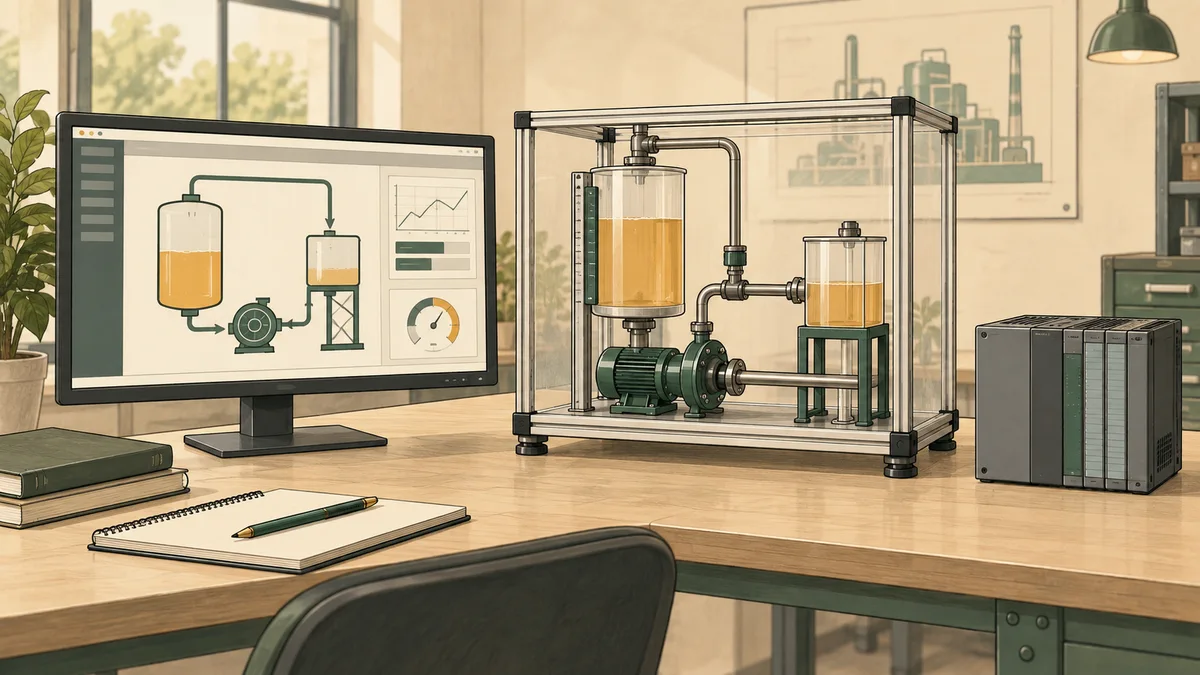
HMI vs SCADA is not simply a choice between a small panel and a large server. An HMI is the human-machine interface through which an operator sees information and interacts with a system. SCADA means supervisory control and data acquisition: an architecture for collecting information and supervising processes, often across dispersed equipment. A SCADA system normally includes an HMI, so the two terms describe overlapping roles rather than mutually exclusive products.
For a South African learner, the useful question is what each part does and how you would test it. For a plant owner, the question is which operational requirements the proposed arrangement must meet. Start with the operator's tasks, required history, communication conditions and recovery needs. Do not select a system solely because the site has passed a particular number of PLCs or tags.
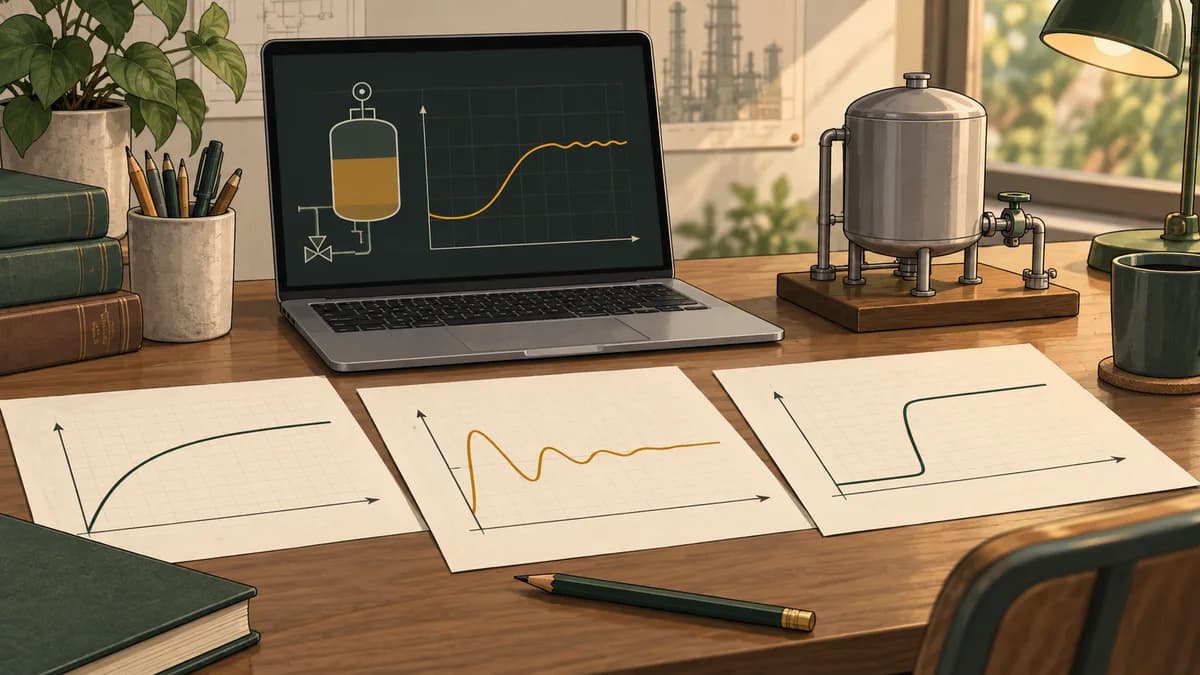
This site has a commercial connection to PLC Simulator. Its educational interface and alarm activities can support learning, but they do not provide evidence that a production HMI or SCADA design is suitable. The illustrations are conceptual learning scenes, not product screenshots or validated system diagrams.
Understand the interface and the supervisory system
NIST's Guide to Operational Technology Security, Revision 3 describes HMIs as operator-interaction components and SCADA systems as combinations of data acquisition, communication and supervisory functions. Its SCADA examples include HMI software alongside field controllers and communication equipment. This distinction is more useful than defining HMI by screen size or SCADA by a software price.
An interface might run on a dedicated panel, a workstation or another supported client. The implementation depends on the product and architecture. A local machine interface and a central supervisory interface can coexist, with different responsibilities and permissions. The central display does not automatically replace the local controller's operating logic.
| Requirement | What a local interface may provide | What a wider supervisory arrangement may add |
|---|---|---|
| Operate one machine | Relevant status, permitted requests and local diagnostics | Coordination or visibility beyond that machine |
| Review several locations | Limited views if supported by the product | Central collection, navigation and cross-location context |
| Investigate past behaviour | Product-specific logs and trends | Shared history, broader retention and analysis arrangements |
| Respond to alarms | Local alarm presentation and acknowledgement | Consolidated views and supporting management workflows |
| Recover after an interruption | Local restart and project recovery arrangements | Recovery across servers, communications, clients and data stores |
The words “may provide” matter. Features, limits and licences vary. A server installation does not automatically include a historian, reporting, redundancy or identity integration, and a panel is not automatically incapable of those narrower functions.
There is no universal three-PLC or 500-tag dividing line
Controller and tag counts help with product sizing, but they do not determine the operational need by themselves. One machine can require important historical records or several authorised users. Several small controllers might serve a simple process whose supervision needs remain limited. The correct architecture follows the requirements and the supported implementation.
Instead of asking when SCADA becomes mandatory, ask what is missing from the current arrangement. Is the operator unable to see remote equipment? Are historical records lost? Are alarms scattered across unrelated screens? Does a report require manual copying that introduces errors? Each problem needs a specific response, which may involve software, communication, procedures or training.
Compare tasks rather than screenshots
Write five representative operator tasks before reviewing a demonstration. Examples include locating an unavailable measurement, identifying an active alarm, checking the last confirmed equipment state, requesting an authorised setpoint change and retrieving a defined historical interval. Explain how successful completion will be assessed.
A colourful overview can conceal poor navigation, ambiguous units or stale values. Conversely, a simple display can be effective if it gives the operator clear information and appropriate controls. Evaluate the tasks with representative users rather than assuming the more elaborate screen is better.
For learners, the HMI tag-binding guide explains why a displayed value needs a known source and meaning. A tag name alone is not enough to establish that the operator is seeing the intended signal.

Trace the data path from field value to screen
For each important value, identify its source, engineering units, quality indication and update behaviour. Record whether the value comes directly from a controller, through an intermediate service or from stored history. Establish where scaling and validation happen so that the same signal is not accidentally converted twice.
Separate the measured value from its communication status. A displayed number may remain unchanged because the process is steady, because the source is no longer updating or because the connection has failed. Those situations can look identical unless the interface exposes the relevant status and time information.
Likewise, distinguish an operator request from evidence that equipment has responded. A button press may create a request, while the controller decides whether it is accepted under the application's conditions. A status indication should represent the defined feedback, not merely repeat that a button was clicked.
A fictional stale-data timeline
Consider an educational tank-level display with checks every ten seconds. The invented timeline below assumes that a successful sample is valid at the time received. When a check times out, the last valid reading may remain visible only with an explicit stale or unavailable indication and its original timestamp. This is an example interface requirement, not a universal product default.
| Time from start | New sample received | Last valid sample | Age of last valid sample | Display requirement |
|---|---|---|---|---|
| 0 seconds | 42 percent | 42 percent at 0 seconds | 0 seconds | Show current valid value |
| 10 seconds | 43 percent | 43 percent at 10 seconds | 0 seconds | Show current valid value |
| 20 seconds | None; timeout | 43 percent at 10 seconds | 10 seconds | Mark value stale or unavailable |
| 30 seconds | None; timeout | 43 percent at 10 seconds | 20 seconds | Keep stale indication and original timestamp |
| 40 seconds | 44 percent | 44 percent at 40 seconds | 0 seconds | Show newly valid value |
The timeouts do not mean the tank reached zero percent. They also do not establish that it remained at 43 percent. The interface should not manufacture measurements for the missing period. If a trend connects points across a gap, its presentation must make the missing data clear rather than imply continuous verified measurement.
Use this timeline to compare proposed screens and training exercises. Ask the learner to explain what is known at 30 seconds and what remains unknown. That explanation is more informative than checking whether a bar graph looks animated.
Logging is not exclusive to server-based systems
Siemens' WinCC Unified V20 logging documentation describes data and alarm logging and lists database support for both panel and PC implementations. It also identifies features specific to particular runtime types. This is a concrete reason to check product-specific logging capability instead of claiming that an HMI panel has no history.
A short local log, an engineering trend, a central historian and a validated business record can serve different purposes. Define what you need to retrieve, how long it must remain available and who needs access. Determine whether the proposed product and configuration meet that requirement, including any options or additional systems.
Ask what happens when storage or communication is unavailable
Clarify whether data is buffered, where that buffer resides, what happens when it fills and whether delayed records are transferred later. Ask how duplicate or out-of-order samples are handled. Verify restart and power-interruption behaviour for the exact system rather than assuming a database always captures every event.
Test retrieval as well as collection. A file existing somewhere does not show that an operator can locate the required interval, interpret units and quality, or produce a usable report. Include the retrieval task in acceptance testing and document any limits on historical access.
Worked historian estimate: records and bytes are different
The following calculation is a fictional planning model. It is not a storage specification for WinCC, FactoryTalk, any historian product or PLC Simulator. Assume 100 tags, exactly one stored record per tag every ten seconds, continuous recording for 30 days, and an invented payload size of 24 bytes per record.
There are 2,592,000 seconds in 30 days. At one record every ten seconds, each tag produces 259,200 records. Across 100 tags, that gives 25,920,000 records. Multiplying by the assumed 24-byte payload gives 622,080,000 bytes, or 622.08 MB using decimal units.
| Fictional logging interval | Records across 100 tags over 30 days | Payload at 24 bytes per record |
|---|---|---|
| Every 10 seconds | 25,920,000 | 622,080,000 bytes, or 622.08 MB |
| Every 1 second | 259,200,000 | 6,220,800,000 bytes, or 6.2208 GB |
Changing the interval from ten seconds to one second multiplies both counts by ten under these assumptions. It does not demonstrate a product's compression, sustained throughput or actual database size. The record schedule here contains exactly one sample per interval; endpoint conventions and real acquisition behaviour must be defined in an implementation.
The estimate excludes database indexes, metadata beyond the invented payload, transaction logs, alarm records, audit records, replication, backups and storage reserve. Compression, change-based logging and deadbands can also change the result. Measure representative data with the intended product and retention settings before selecting storage.
Tie the sampling rule to the question you need to answer
Recording faster is not automatically more useful. Define the events or process changes the history must reveal and the source's actual update rate. Logging the same stale value more frequently does not create new measurements. Conversely, sampling too slowly can miss behaviour relevant to an investigation.
Specify whether the timestamp represents acquisition, receipt or storage, and define how clocks are managed across sources. A report that combines several stations needs a coherent time interpretation. Make these requirements explicit rather than treating tag count as the whole historian-sizing exercise.
Alarm management is a work process, not a SCADA badge
An alarm display is one part of an alarm system. Selecting a software package does not by itself decide which conditions require an operator response, how priorities are assigned or how changes are controlled. These decisions need documented responsibilities and a maintained process.
ISA's alarm-management lifecycle discussion connects interface design with operating procedures, training, maintenance and ongoing review. Its ISA-18 standards overview provides the standards context. A software feature list is not proof that a site's alarm-management practice complies with a standard.
Ask how the proposed interface distinguishes an active condition from an acknowledged one, and how authorised users deal with unavailable equipment or alarms temporarily removed from service. The exact functions depend on the product and site procedures. Acknowledging an alarm does not itself repair the underlying fault or demonstrate that equipment is safe to restart.
Test alarm handling with a scenario
Use a fictional learning model with one defined abnormal condition. Record its onset, display state, acknowledgement and return to normal. Ask the learner to explain which changes happened in the process and which were operator actions. Do not make an acknowledgement button silently serve as a start command.
For educational practice, inspect PLC Simulator's alarm-management activities. They can help you ask better questions about state and response. They are not a demonstration of every production alarm feature or a certification of an alarm-management programme.

Availability: decide what can continue when a component fails
Separate loss of a display, loss of a communication link, loss of the history service and loss of control execution. Their consequences depend on the architecture. Determine which functions remain local, which rely on central services and which actions operators can take during a degraded state.
Do not assume that a SCADA outage always stops the process or that it never matters because PLCs continue executing. An operator may lose essential visibility, coordination or an approved means of responding. Define the required degraded behaviour with the people responsible for operations and engineering.
Specify recovery objectives for each important service. Include how recent a recoverable backup must be, how long restoration may take and what data loss is acceptable. Test restoration in an appropriate environment. A redundant server pair and a backup serve different purposes; one should not be assumed to replace the other.
Keep local and central operating responsibilities clear
If both a local panel and a central station can issue requests, define permissions, operating modes and how conflicting actions are handled. Make the current control authority visible where operators need it. Do not rely on an informal assumption that only one person will ever press a button.
Include these behaviours in training. A learner should be able to explain where a request goes, what confirms acceptance and what to do when feedback is unavailable. These are system-specific operating questions, not a generic promise supplied by the labels HMI or SCADA.
Security and maintenance apply to panels and servers
A dedicated panel is not automatically exempt from software maintenance, account management or network protection. Inventory the actual devices and versions, follow supported update procedures and plan recovery before changes. A general-purpose server also needs an operationally appropriate maintenance plan rather than untested changes during production.
NIST's OT security guidance treats segmentation and controlled communications as part of an architecture that must also respect operational requirements. Map the necessary data flows and restrict access appropriately. A network label or VLAN name alone does not demonstrate that the intended restrictions are enforced.
For remote support, establish who can connect, how access is authorised and how it is ended. Do not expose an operator interface directly to the public internet as a shortcut to convenience. Review remote arrangements with the responsible OT and IT teams, including what happens when external connectivity is unavailable.

A requirements sheet for South African sites
Describe the actual site and its operating arrangements instead of relying on supposed national industry norms. A remote pump station, a packaging machine and a treatment process may have different needs even when their controller counts match. Locations such as Gauteng, the Western Cape, KwaZulu-Natal or a remote service area matter through real connectivity, travel and support arrangements, not an assumed preferred vendor.
For each requirement, record the owner, proposed implementation, evidence and acceptance test. Examples include retrieving a shift's history, recognising a lost connection, checking permissions and restoring a project backup. Mark unanswered questions as pending. Do not allow a low quoted price to conceal a missing mandatory function.
Request an itemised quotation that separates devices, runtime and engineering licences, data storage, client access, options, implementation, training and support. Confirm currency, tax treatment, delivery, renewal and recovery terms. Virtualised infrastructure still consumes resources and requires administration; it should not be described as free hardware.
Reporting needs should be defined before choosing a package
Specify the report's purpose, inputs, period, units and review process. Ask who relies on it and how missing data is represented. A shift report for internal review is not automatically equivalent to a formally controlled record used for a regulated process.
Where contractual or regulatory record requirements apply, have the responsible specialists define the validation, access, retention and audit requirements. Do not assume a historian option or audit-trail feature establishes compliance. This guide does not prescribe a universal retention period or equate foreign regulatory rules with South African requirements.
Choose training by what you will build and explain
An HMI course should teach more than placing buttons on a screen. Look for tag sources, units, quality, permissions, navigation and verification of the operator's tasks. A SCADA course should explain the wider data path and the selected platform's history, communication and recovery arrangements within its stated scope.
The SCADA training guide helps you compare course outcomes and practical evidence. If your foundation is still developing, the PLC training selection guide can help you choose an appropriate starting level. Ask which product versions are used and whether you personally complete the exercises.
For additional interface practice, review the browser HMI simulator's educational scope. Use it to practise explanations and test cases that it supports. Do not present that practice as experience administering a production historian or configuring an entire SCADA platform.
Keep a portfolio with the requirement, source mapping, example screen, tests and observed results. Label simulated data and identify what was not tested. The guide to learning PLC programming at home helps organise this work alongside appropriate further instruction and supervised practical access.

Questions learners ask about HMI and SCADA
Is an HMI part of a SCADA system?
It can be. The HMI is the operator interface, while SCADA describes wider supervisory and data-acquisition functions. A local panel can also serve a machine without the broader arrangement people usually mean by a SCADA system.
Can an HMI panel store historical data?
Some can, within product-specific capabilities and limits. Check the exact panel, runtime, logging configuration, storage and licences. A panel log and a central historian may meet different requirements, so evaluate retrieval and retention rather than assuming either is sufficient.
How many PLCs do I need before choosing SCADA?
There is no universal threshold. Define the need for central visibility, history, alarms, access and recovery, then assess a supported architecture. PLC and tag counts help size the chosen implementation but do not replace those requirements.
Does SCADA replace the PLC?
Not simply by adding supervisory software. Identify which component executes each control function and what happens when communications fail. The division of responsibilities must be designed and tested for the actual system.
Is a displayed zero the same as a lost connection?
No. Zero can be a valid process measurement; a lost connection means current information may be unavailable. The interface should distinguish value, quality and freshness so that missing data is not mistaken for a measured process state.
Does buying SCADA make alarm handling compliant with ISA-18.2?
A software purchase alone does not establish that. Alarm management also depends on documented decisions, procedures, training and review. Verify the required practices and the selected product's capabilities rather than relying on a marketing label.
Can I compare HMI and SCADA options with an AI assistant?
Provide operator tasks, data sources, retention needs, connectivity constraints and required recovery behaviour. Ask for a source-backed comparison of exact products, with unknown features and licence requirements marked clearly. Confirm consequential answers with the supplier and responsible engineering team.
Which course should a South African beginner take first?
Choose by your current knowledge and target task. Basic PLC and tag reasoning can support later interface work. If a course combines PLC, HMI and SCADA, ask what you will personally build and test rather than assuming the combined title guarantees depth.